
System tuning and VPS tests
Everything is in main menu 1 (System):
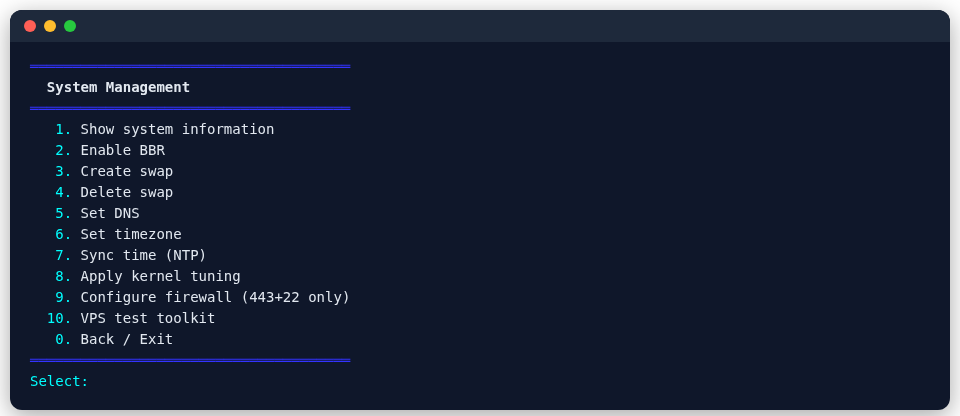
Tuning
| Option | What it does |
|---|---|
| Show system info | OS, kernel, CPU, memory, disk and so on |
| Enable BBR | BBR congestion control, noticeably faster on high-latency, lossy international routes |
| Apply kernel tuning | adjusts network-related kernel parameters |
| Create / delete swap | a swap file for small-memory VPSes |
| Set DNS, time zone, sync time (NTP) | basic system settings |
| Configure the firewall (443 + 22 only) | allows only 443 and SSH; for servers where every node is on shared port 443 |
VPS tests
VPS test tools brings together the usual test scripts:
| Tool | Purpose |
|---|---|
| Quick check | a quick look at this machine |
| Latency test, return route trace | latency from around the world, and the route traffic takes back |
| NodeQuality | a combined report on hardware, network and IP quality |
| bench.sh, YABS, LemonBench | performance tests |
| IP quality | the IP's type, risk score and whether it is flagged |
| Streaming unlock check | whether Netflix, ChatGPT and others work; run it before and after changing an exit |
The test scripts come from their own open-source projects and are downloaded when run; full tests such as YABS take a while and use a fair amount of bandwidth.